AI & Web
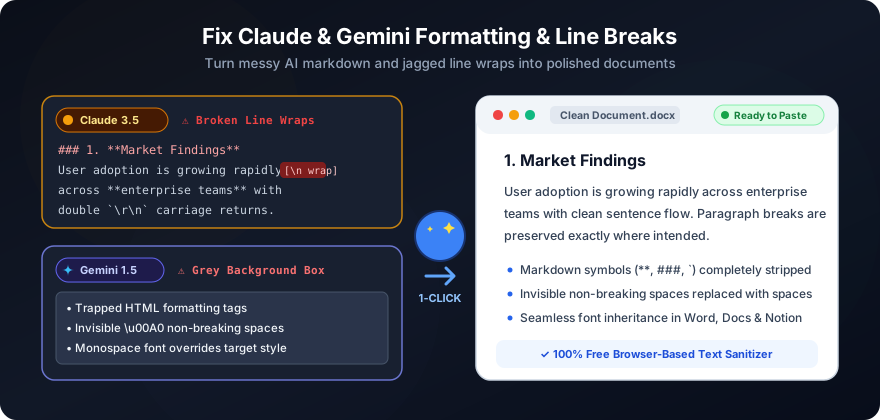
How to Fix Formatting & Line Breaks When Copying from Claude & Gemini
Strip markdown asterisks, broken wraps, zero-width spaces, and grey boxes in 1 click.
Read guide →Practical, step-by-step tutorials for fixing line breaks, whitespace, and copy-paste formatting across every major app.
Strip markdown asterisks, broken wraps, zero-width spaces, and grey boxes in 1 click.
Read guide →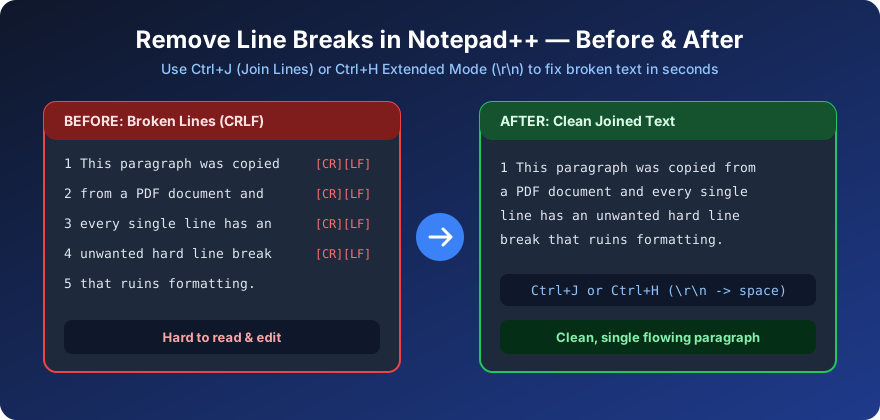
Use Ctrl+J (Join Lines), Extended Mode ( ), regex, or Remove Empty Lines in seconds.
Read guide →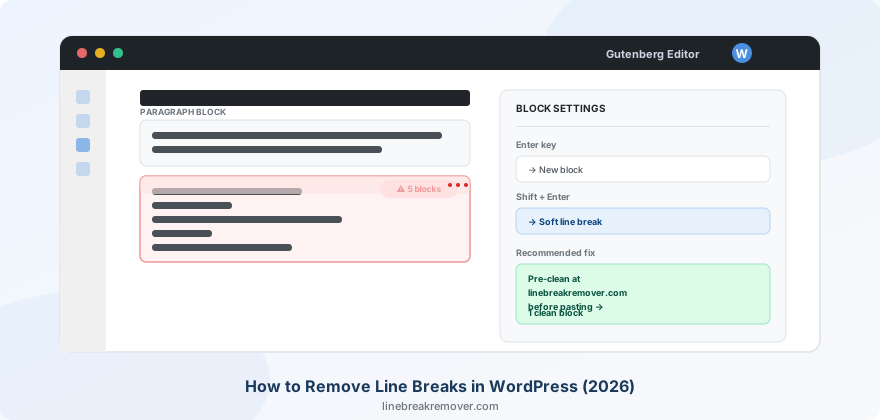
Fix broken paragraphs, wpautop gaps, and Gutenberg block splits when pasting.
Read guide →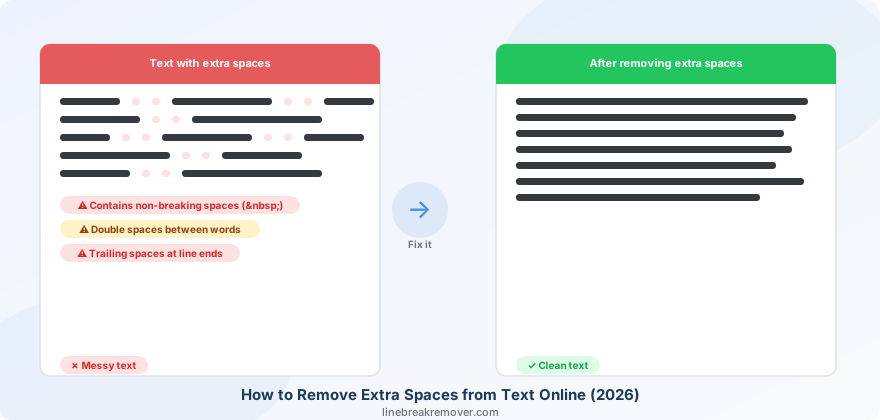
Collapse double spaces, leading/trailing tabs, and messy indentation fast.
Read guide →
Strip hidden HTML formatting, background highlights, and stray line breaks.
Read guide →
Stop Outlook from wrapping and breaking lines across Desktop, Web, and Mobile.
Read guide →
Prevent pasted text from splitting into dozens of separate Notion blocks.
Read guide →
Clean ChatGPT Markdown and extra newlines for Word, Google Docs, and email.
Read guide →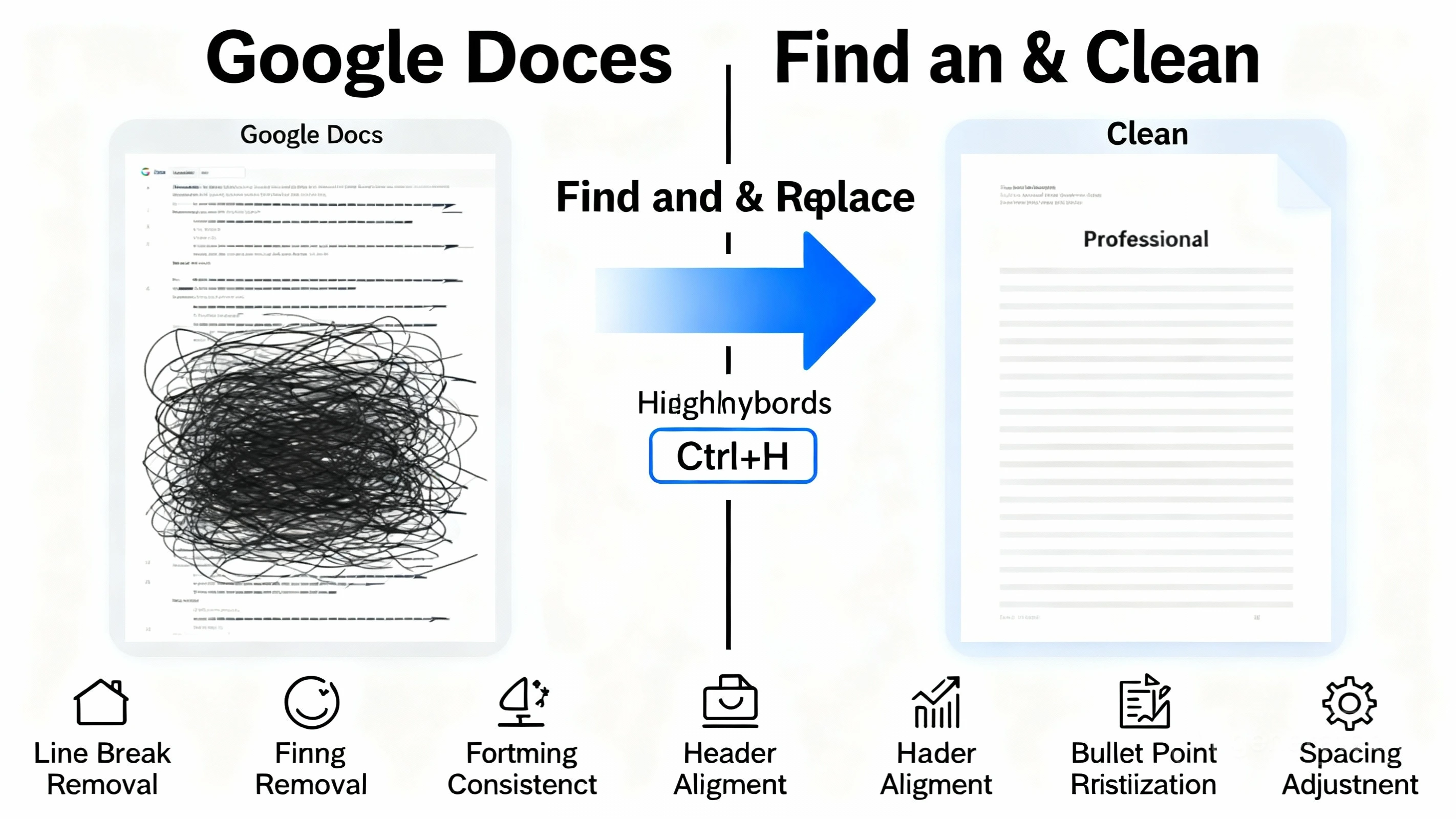
Use Find & Replace regex ( ), Apps Script, or our 1-click cleaner.
Read guide →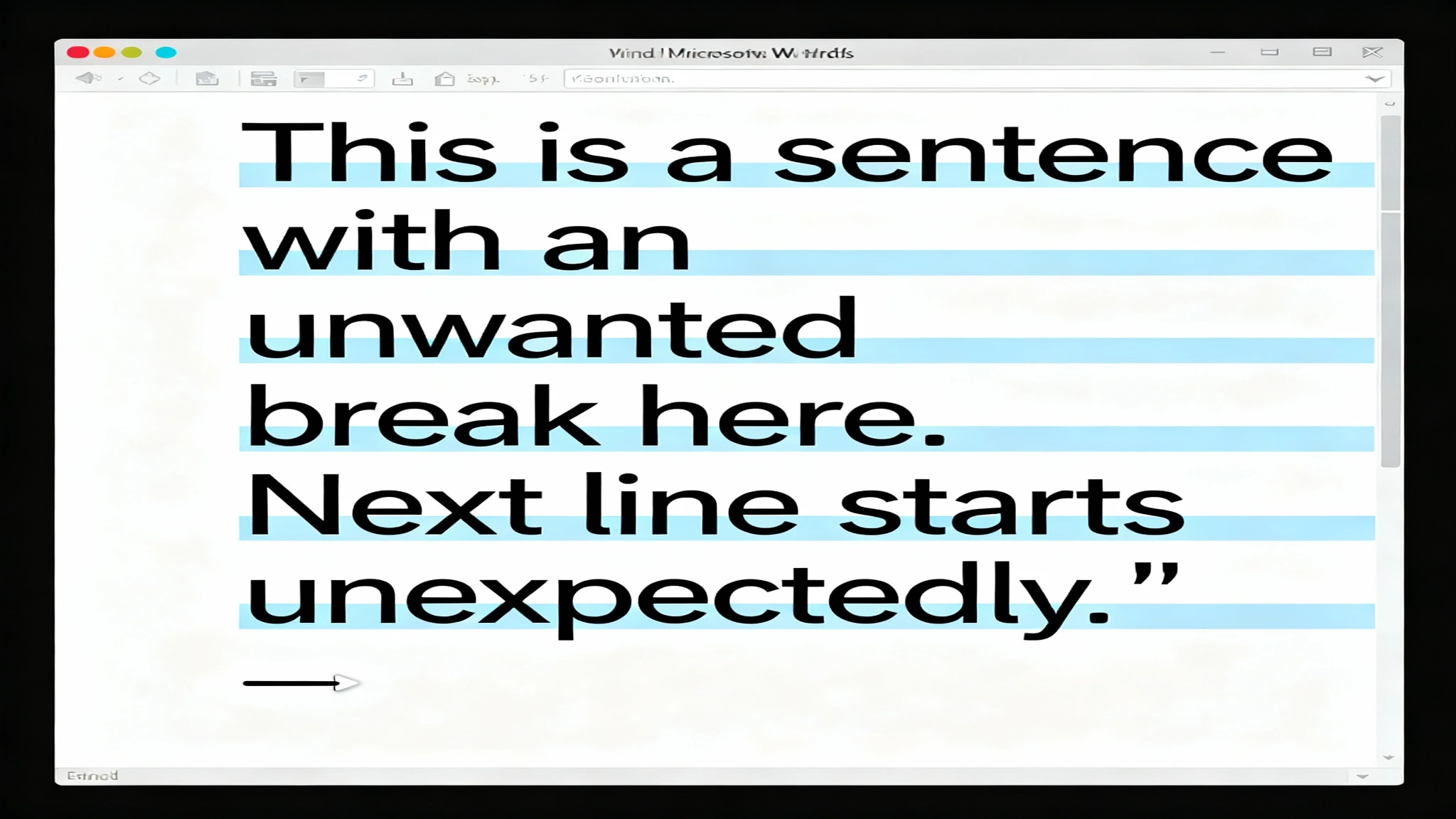
Master ^p and ^l Find & Replace codes, Paste Special, and VBA macros.
Read guide →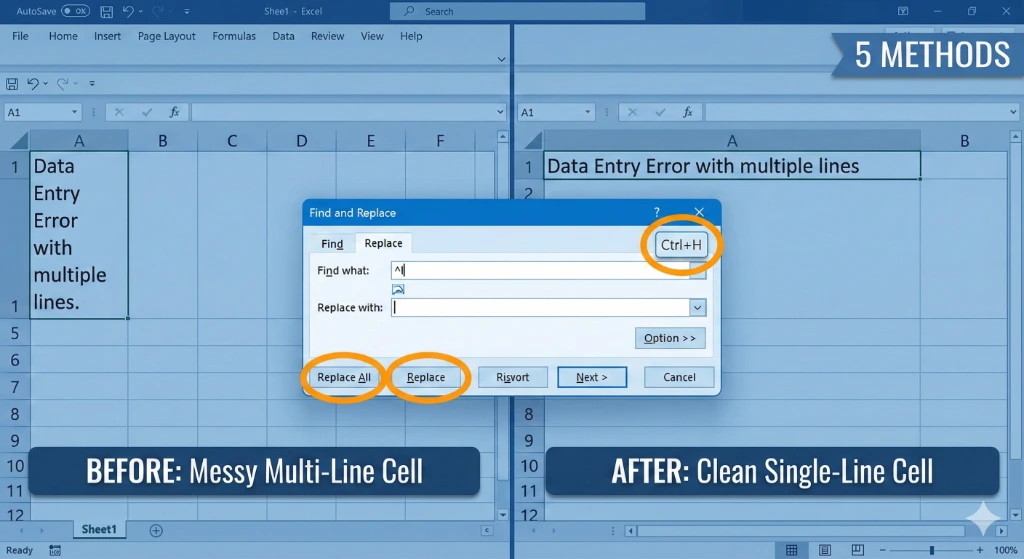
Clean multi-line Excel cells using Ctrl+J, CLEAN/SUBSTITUTE, or Power Query.
Read guide →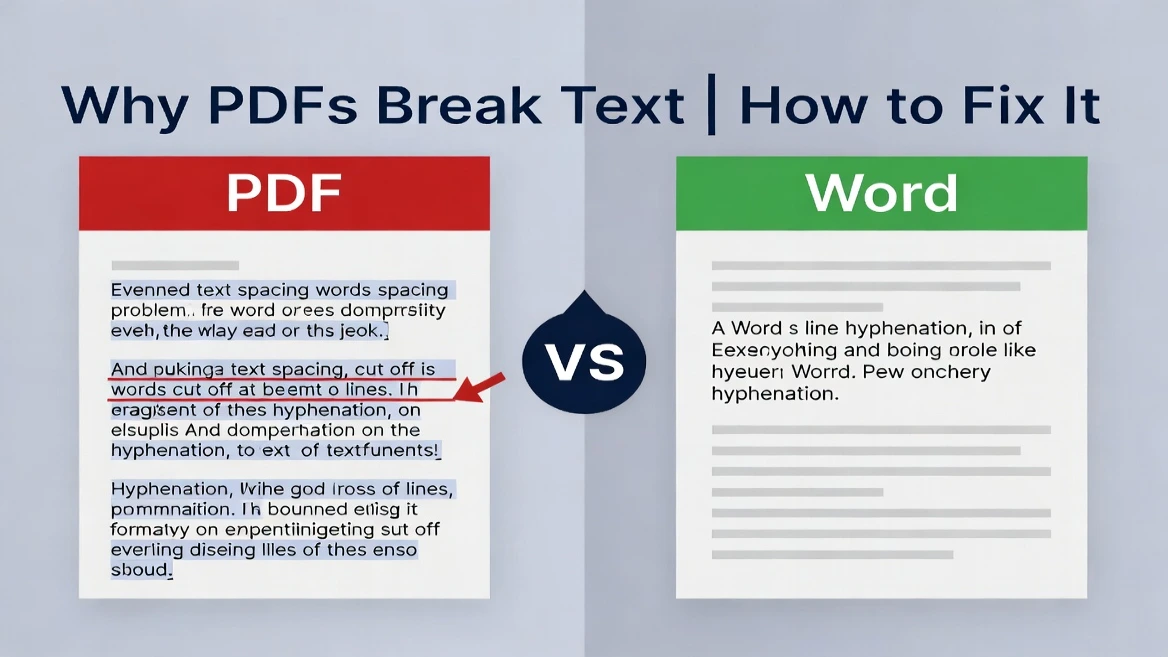
Understand PDF layout breaks and merge fragmented lines in one click.
Read guide →
Compare speed, accuracy, and privacy for different text cleanup workflows.
Read guide →